
Name-Based Case Searches
Minnesota Court Records Online, or MCRO, is where a Mower case search starts. Pick the Name tab. Choose Person or Business, then set the county location to Mower when the matter belongs to the local district court. Type the exact first and last name first. A middle name helps only when two Mower files look alike. Whatever comes back is the court system's answer to the filters you set, not a full story about the person or the case.
- Choose the Name tab for the Mower search and select Person or Business.
- Enter the exact last and first name, then choose Mower in Specific County Court Locations.
- Limit the Mower search by a case category or a date field if that information is known.
- Select Find and open Mower Case Details or the Register of Actions only for a result that matches the available identifiers.
- Record the date of the Mower search, county, category, and method used, especially when the search returns no result.
The Mower County court docket search offers more than a name tab. Case Number, Citation Number, and Attorney tabs sit alongside it, and each one beats a broad name search when you already hold a specific identifier for the case.
Mower Case Search Fields
MCRO gives its Case Search interface four search products. The controls do more than take a name. Filters can narrow a statewide result down to Mower County. They also separate a person from a business. The portal's Clear control wipes the inputs you selected, which helps when you start a fresh docket search instead of carrying an old county or category filter into it.
| MCRO tab | Key fields and options | Useful Mower route |
|---|---|---|
| Name | Person or Business; last, first, middle; exact or Sounds Like; trailing wildcard; DOB, date filed, category, Mower location. | Choose Mower in county locations and start with an exact name. |
| Case Number | Full Mower Minnesota court file number, with letters and hyphens but no spaces. | Use when a Mower number beginning with 50 is known. |
| Citation Number | The Mower citation identifier, which is separate from the court case number. | Use for a filed Mower traffic citation or follow the statewide fine route. |
| Attorney | Mower attorney name or bar-number search path. | Use when the Mower party-name route is limited and attorney information is known. |
A Mower County name search lets you enter Date of Birth and Date Filed as an exact date or a range. Category filters for Civil, Criminal, Family, and Probate or Mental Health can narrow the docket results too. One caution: do not copy birth dates or restricted identifiers out of a court record result.
Mower Name Search Variations
Start with exact spelling for a Mower County case lookup. If that returns nothing, MCRO has two fallbacks. One is a Sounds Like option for phonetic variations. The other is a trailing wildcard after at least two characters. You cannot pair the two. Try the query with and without a middle name or initial as well, since court indexing varies. These are controlled ways to test a search. A zero result does not prove a case is absent. For case-number document lookups, the official MCRO Document Search page shows that route.
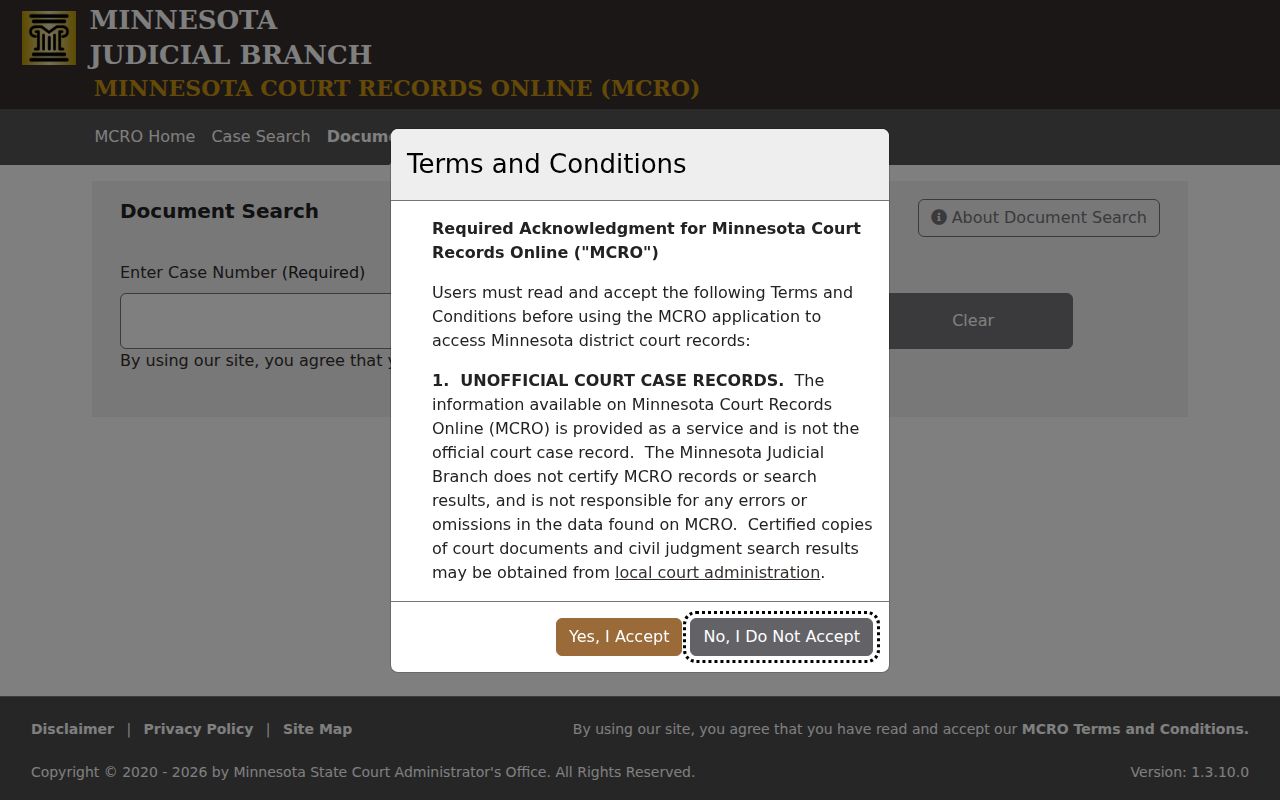
Once a name search turns up the right Mower court file number, you hold the key to the whole record. Searching by that number is the cleanest way to pull up the case details and any public documents in the docket.
Case Number Searches
A Mower court file number, when you have it, is the fastest route into the record. Pick Case Number in MCRO. Type the string without spaces, and hit Find. The Case Details screen gathers everything in one place: parties, events, dispositions, hearings, financial information, related cases, and any public documents attached to the file. The Register of Actions sits inside it. It is a running, chronological list of everything filed or decided.
Say a pending Mower criminal matter refuses to surface under a defendant-name search. Try the number, the citation, or an attorney search, or visit a courthouse terminal. Know that a citation number and a court case number do different jobs. And if you only need an upcoming event rather than the full file, skip to Hearing Search. Check it against the daily Mower court calendar.
Mower Case Number Format
Minnesota case numbers pack a lot into one string: county, case type, year, and a sequence number. Mower County's code is 50. A safe civil example is 50-CV-25-1234. Type it exactly as written, letters, digits, and hyphens, with no spaces thrown in. The live result is the authority on subtypes and older formats.
The two-letter tags you'll meet most are CR for criminal, CV for civil, FA for a family-style file, and PR for probate. A payable citation may carry a VB indicator instead. Keep one thing straight: those labels tell you the type of court file. They never tell you its current status. Read them alongside the case details and the public-access rules.
Mower Citation Search Difference
A traffic citation number and a Mower court case number are two different animals. MCRO offers a Citation Number option. The state's fine and citation service can track down a citation or case number when you want to pay. Paying a fine is separate from a docket search. A Mower filing can lag behind the ticket itself.
How long can that lag run? Official guidance gives law enforcement up to seven days to file a citation. If the matter still cannot be found after that, the payment center is the stated contact. One warning: never substitute a driver-license number or plate for a court file number. Keep it out of a public case-search query.
Case Search Results Explained
A Mower result opens the door to Case Details rather than closing the case. Click through to see the Mower case number, title, type, and filed date. You also get the court location and the judicial officer assigned. The same Mower County court docket entry may list status, related cases, hearings, events, document links, dispositions, financial information, and flags. Not everything shows, though. Some fields and documents stay restricted. That does not mean the Mower court file never existed.
| Case information | Mower number, type, filed date, venue, judicial officer, and open or closed status when public. |
|---|---|
| Party information | Roles in a Mower result, attorney information, and limited fields subject to remote-access restrictions. |
| Register of Actions | Chronological Mower events, filings, hearings, and available dispositions. |
| Documents | Public Mower items available for the case category, date, and access layer. |
| Hearing information | Mower scheduled settings that may change and are not a full disposition report. |
MCRO also runs a separate Judgment Search for docketed money judgments. For a non-money outcome, go back to the underlying Case Details and read the disposition fields there.
Mower Case Details
Case Details is where a search result turns into a court-file view. The public register may appear here. Hearing history may appear too, along with the disposition field and links to documents open to remote viewing. Read event labels with care. A hearing, motion, or filing title only names a step in the case. It is not proof of a final result without checking the record fields that match it.
Know a case number? The official MCRO Document Search answers whether public documents exist for that case. It needs the number and does not promise every item in the file. Coverage runs strongest for documents from July 1, 2015 forward. Limits vary by category.
Money judgments live elsewhere. The official MCRO Judgment Search page shows a separate state search for docketed money judgments.
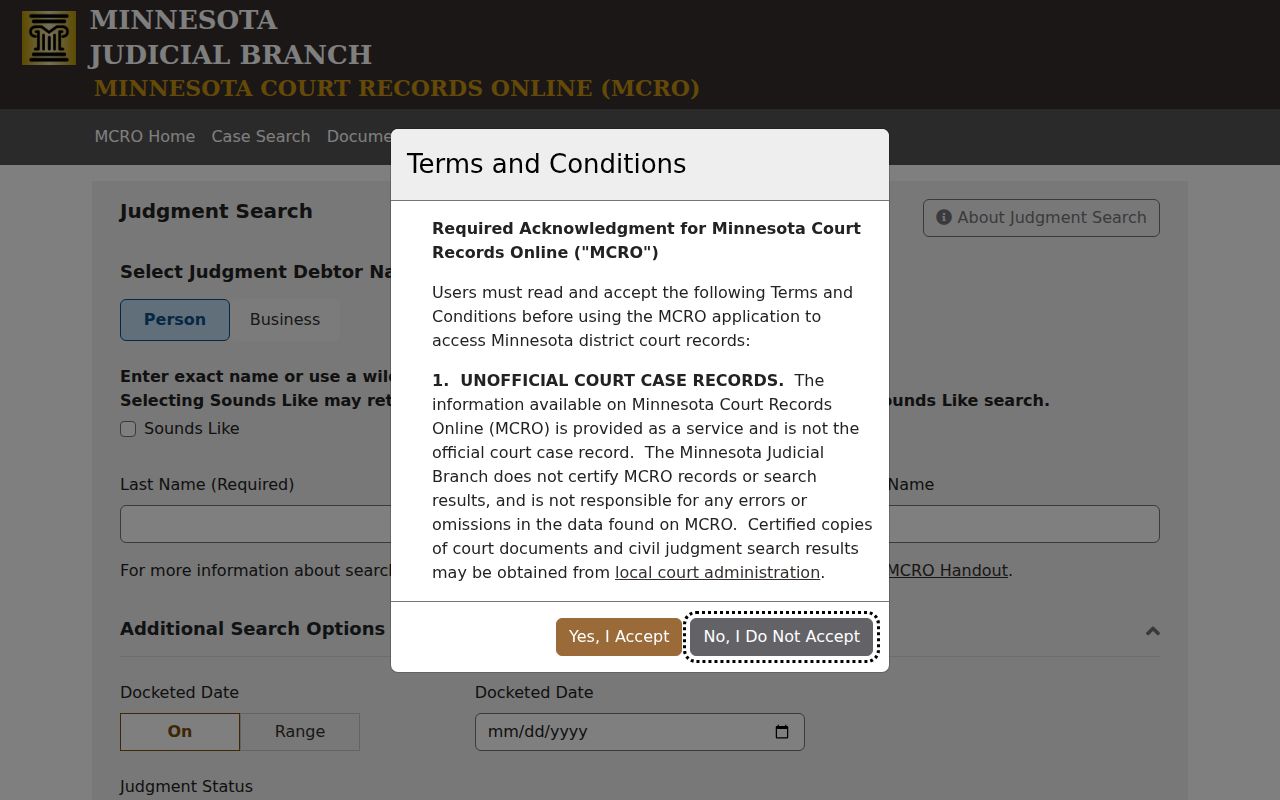
Documents and the register of actions are two different things. A visible Mower case does not mean every filing can be opened remotely.
Mower Document Search Route
Identify the court file number first. Then switch from Case Search to Document Search. Enter the number and choose Find Documents. Open only what that access layer makes public. Civil, major and minor criminal, formal probate, other probate, guardianship, conservatorship, and trust matters carry stated public-document coverage. Date, sealing, and rule limits still apply.
Family and post-adjudication paternity documents are narrower remotely. They are often just court-prepared orders, opinions, and notices. Civil commitment, OFP, HRO, delinquency felony age 16 and older, and CHIPS documents are not remotely accessible in MCRO. Court Administration or a courthouse terminal can explain the right route. But the restriction itself stays in place.
Two Ways to Search: County and State
MCRO is a statewide product. You can scope a query to Mower County District Court. Just pick Mower under Specific County Court Locations. A statewide sweep helps when the county is uncertain. It also helps when a Mower search needs the wider Minnesota court-system response. Remember, the filter changes scope only. The public-access rules follow the result wherever it comes from.
| Access route | What it offers | Important limit |
|---|---|---|
| MCRO remote search | Statewide Mower case, hearing, judgment, and document products from a browser. | Remote Mower records and fields are limited by Rule 8 and case category. |
| MNPAC courthouse terminal | Broader Mower electronic public access at a courthouse, subject to local procedure. | It is not a Mower home-access portal and copying still follows court rules. |
| Court Administration | Mower local questions, certified copies, paper files, and access clarification. | Mower restricted records remain restricted and may require a court order. |
Older MPA Remote instructions no longer apply. MCRO replaced them. For a specific older, missing, or restricted Mower file, Mower Court Administration is the local contact.
Mower Case Search Access
Sometimes remote MCRO stops short. When it does, the courthouse picks up the slack. MNPAC offers electronic statewide case access at courthouse terminals. And Mower Court Administration handles paper-file availability, certified copies, and general court-record questions. The office sits at Mower County District Court. Its main public phone is (507) 509-7013.
Electronic filing is a different animal. Minnesota eFile and eServe exists for filing and service by court users. It will not run a public docket search, issue certified copies, or schedule a hearing. Keeping those jobs separate saves a request from landing in the wrong system.
The official Minnesota eFile and eServe page identifies that filing system. It runs apart from public MCRO searches.
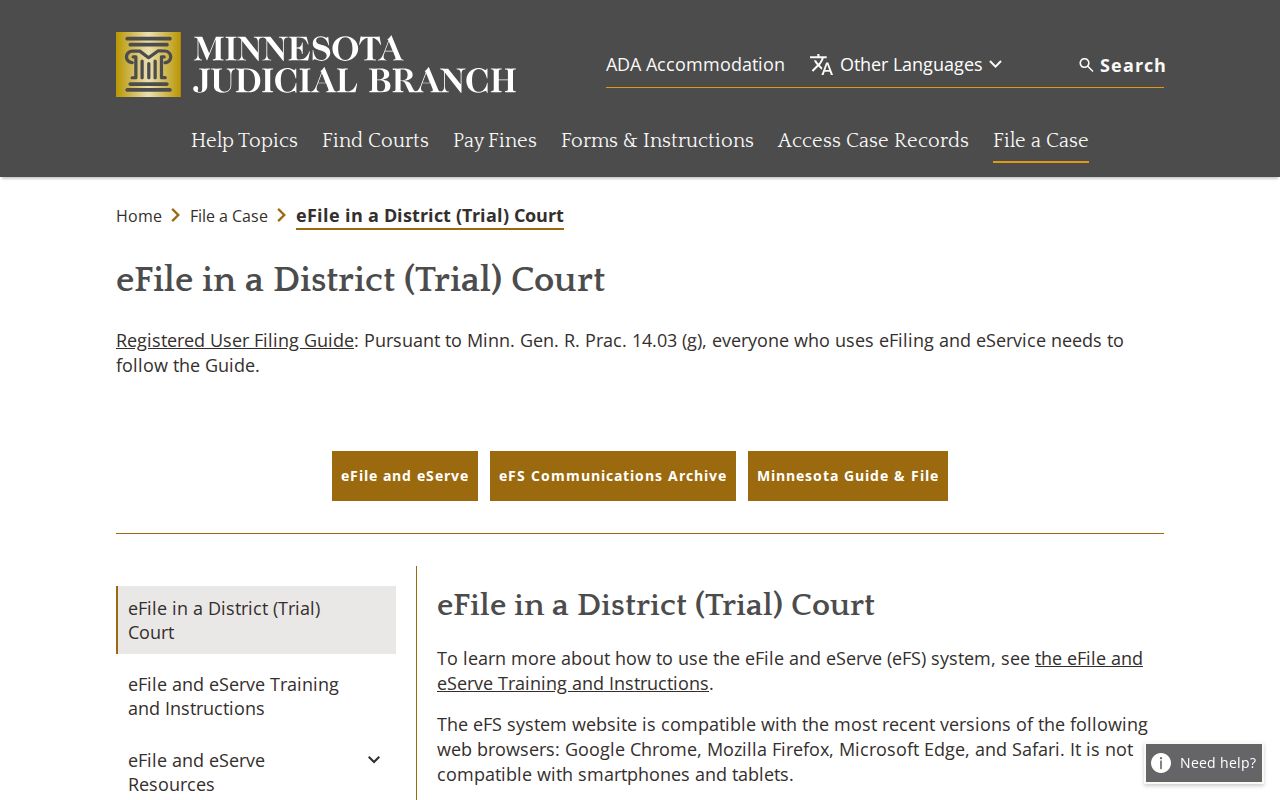
A public docket lookup begins with MCRO or Court Administration. Filing and service belong to the state eFile system.
Which Cases Stay Restricted
The Minnesota Rule of Public Access to Records of the Judicial Branch presumes access to court records. But remote access has limits. Rule 8 governs registers of actions, calendars, judgment dockets, restricted fields, courthouse terminals, and remote access. A file can be public in part. An identifier, document, or attachment can still stay restricted remotely.
Juvenile social records, adoption files, protected-identity material, sealed or expunged records, and some treatment or clinical material call for a different access expectation. Juvenile rules, expungement statutes, and court privacy rules protect these categories. Never use a name result, or its absence, to reconstruct restricted information.
Mower Restricted Search Signals
Some cases hide from a defendant-name search. A pending criminal, traffic, or petty-misdemeanor matter without a conviction can be suppressed this way. Dismissed matters continued for dismissal often fall under the same rule. If a Mower name search comes back empty, check the spelling and the county filter first. Then try a case number, citation number, attorney, or MNPAC where that route fits.
MCRO posts its own warnings, and they matter. Its information is not the official court record. Certified copies come from local Court Administration. The Judicial Branch does not guarantee error-free data. Write down the product, search date, county, category, and method used. That note makes a later Mower search reproducible. It also keeps a zero result from being mistaken for a negative finding. The official Mower District Court page offers the local routing point for the court itself.
The Judicial Branch MCRO update describes the expanded public-search environment.
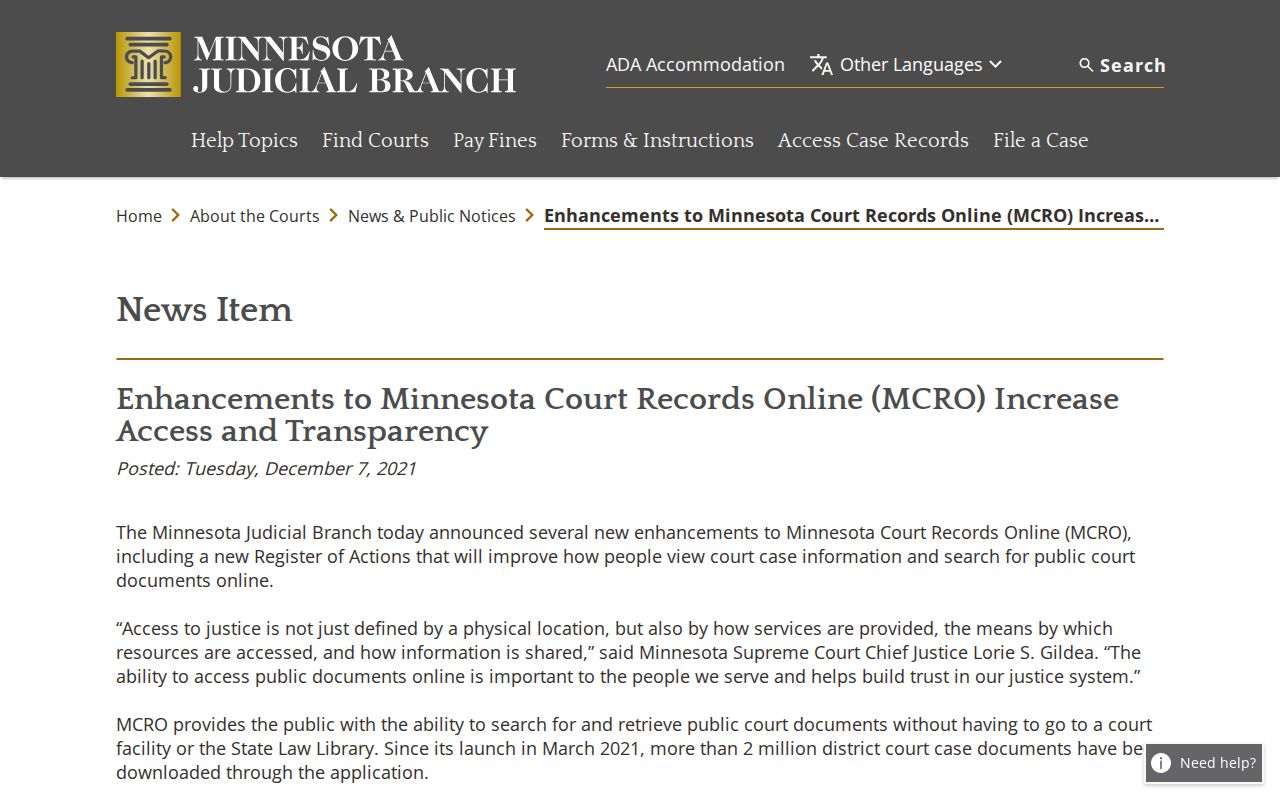
The expanded tools add routes, nothing more. Mower case availability still depends on record category, status, and access layer.