
How the Mower County Court Calendar Works
Mower County District Court publishes a daily calendar covering every kind of matter it hears: civil, family, probate, juvenile, criminal, and traffic. That mix means a single day's schedule can range from a traffic ticket to a felony appearance. The calendar helps you find a setting. But it is not the full register of actions, and it does not report a final result for every matter.
Postings follow a rhythm. The official Mower daily calendar goes up at 7 p.m. for the next day. It starts hourly updates at 7 a.m. Those updates can change the listed case, judicial officer, or courtroom. Printed calendars outside Mower courtrooms and in Mower public lobbies are marked as the most current version for the day, and the Minnesota judicial directory lists the officers serving the Mower court system. Treat an online entry as a scheduling aid. Then check again as the hearing gets close.
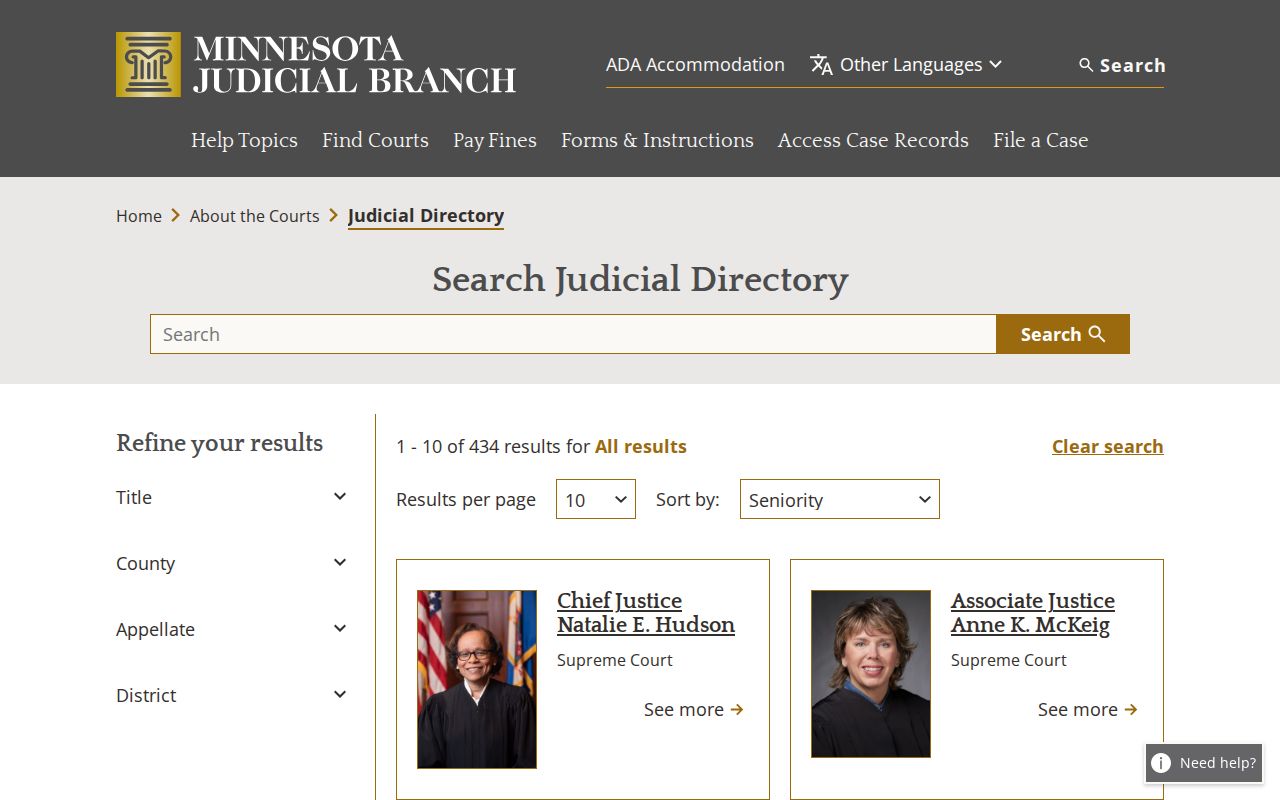
A judicial-officer name on the Mower calendar helps you identify the setting. Recheck it, though, if the schedule gets revised.
Mower Daily Court Calendar Updates
The Mower daily PDF is a working list, nothing more. Its eight columns split who is listed from where and how the hearing is set. Copying from a redacted calendar example is safer than transcribing live party information. The list may show a courtroom or a remote session, but that connection label is not a promise; a judicial officer can still direct a different appearance method.
| Calendar field | What it identifies |
|---|---|
| Party Name | The party in the Mower listing, which should not be repeated from a live calendar. |
| Hearing Location | The Mower courtroom or other listed hearing location. |
| Hearing Date | The scheduled Mower calendar date. |
| Time | The time assigned to the Mower hearing. |
| Judicial Officer | The Mower judge or referee shown for the setting. |
| Hearing Type | The Mower procedural event, such as a motion or plea hearing. |
| Connection Type | The in-person, Zoom, remote, or other connection label in the Mower listing. |
| Case Number | The Mower County, case-type, year, and sequence identifier. |
The Mower PDF changes during the day, so note the Mower date and time of any check. An older saved Mower calendar proves nothing about a later assignment. The setting may have moved after you saved it.
Mower County Court Date Lookups
Match the channel to the question. A scheduled hearing can be found through the statewide hearing product, the Mower daily PDF, or the case record when the case number is known. Court Administration can confirm a setting. It can also answer access questions when an online result is unclear. For the hearing day itself, the printed lobby calendar is the local source to consult.
- Open MCRO Hearing Search and search by name, case number, judicial officer, or attorney. Set a date or date range and select Mower when a Mower County result is needed.
- Check the official Mower daily calendar for the operating list, noting its posting and update time.
- Use MCRO Case Search when the Mower case number is known and the next hearing needs to be read alongside the Mower register of actions.
- Call Mower Court Administration at (507) 509-7013 or ask at the Mower counter when a date, room, or access issue needs confirmation.
- On the Mower hearing day, review the printed Mower calendar in the courthouse lobby or outside the courtroom because it is identified as the most current version.
MCRO Hearing Search shows scheduled hearings, not all case activity. For a broader case view, run a known number through the Mower docket search route instead.
Mower Court Schedule Search Channels
MCRO Hearing Search and the Mower PDF serve different purposes. Hearing Search can be filtered by name, number, judicial officer, attorney, date, category, and location, while the daily PDF is a local list with party, location, date, time, judicial officer, hearing type, connection type, and case-number fields. Both can change, and neither substitutes for a court notice.
More options exist at the courthouse. The Mower Court Administration counter and the MNPAC public-access terminal add another access layer, and MNPAC may allow broader electronic public access than remote MCRO for some categories, subject to the public-access rules and local practice. Court Administration is also the right contact for paper-file availability, certified-copy questions, and any calendar entry that cannot be verified remotely. The MCRO Hearing Search page shows the statewide interface that carries these filters.
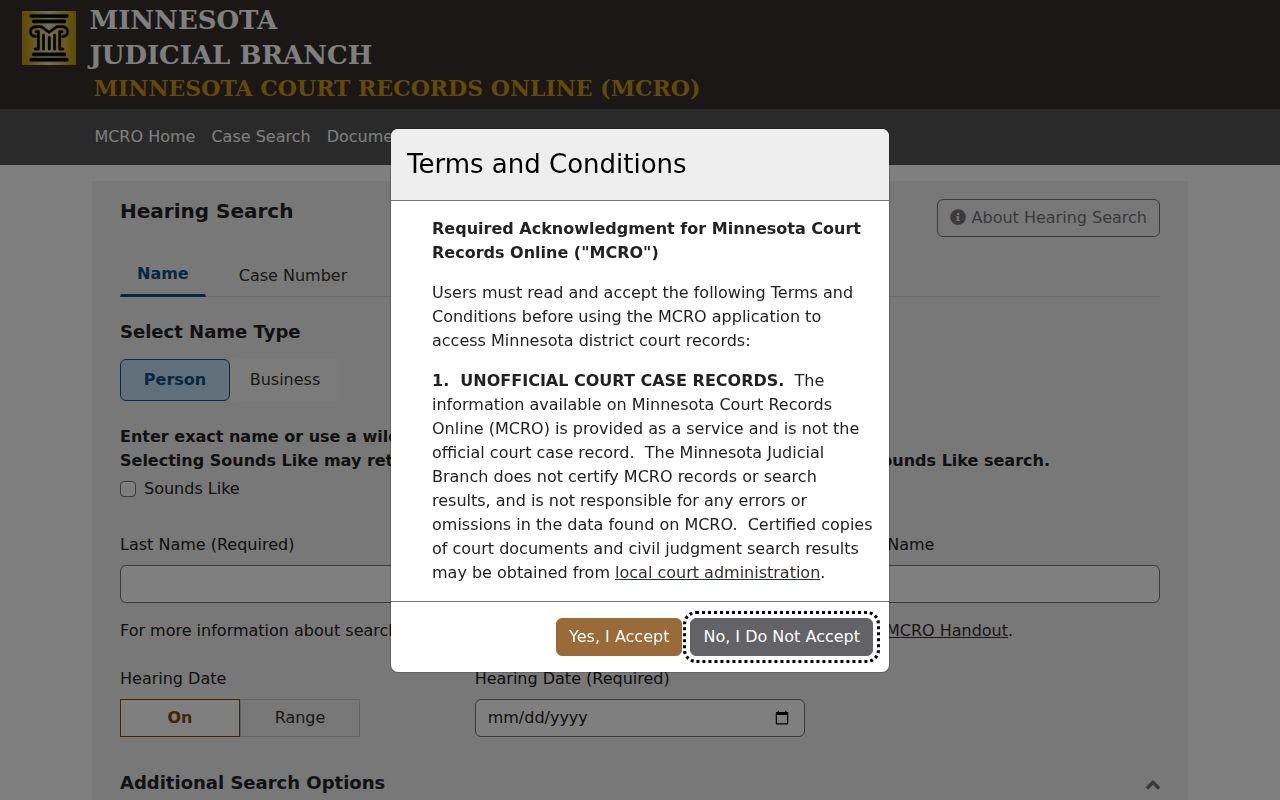
Filter to Mower and enter a useful date range to narrow a statewide hearing search. Remember that the result is still not a complete case file.
Court Settings: What Each Field Means
A court setting is one scheduled event. It might be a criminal appearance, a civil motion, a family matter, a probate conference, or another procedural step. Read the line as a set of fields, not as a final outcome. A hearing label and a connection label only describe what is scheduled. Neither tells you what the court will decide.
| Date | The Mower date on which the setting is listed to occur. |
|---|---|
| Time | The listed Mower start time, which can differ from the time a matter is reached. |
| Courtroom | The Mower hearing location shown on the calendar, subject to reassignment. |
| Judge | The Mower judicial officer assigned on the current calendar entry. |
| Setting Type | The scheduled Mower court event, such as a motion hearing, plea hearing, or administrative conference. |
A case number ties the event to the underlying court file. Minnesota case numbers combine county, type, year, and sequence elements. A citation number is a different identifier; do not treat the two as the same thing.
Mower Court Schedule Policy 525
Mower Policy 525 sets default hearing appearance types by category, covering many adult-criminal, family, civil, housing, juvenile, probate, and treatment-court settings. Adult criminal, family, civil, housing, conciliation, probate, and juvenile categories each have distinct policy lines. An appearance designation can vary with the hearing type within the same broad category. The policy helps you prepare. It confirms whether a setting is ordinarily in person or remote, but it does not lock the court into one connection type for every hearing.
A judicial officer may direct a different method. So the policy works as a default matrix while the live calendar and court notice control the current setting.
Note: Confirm the current appearance method with Court Administration, because the Mower policy is only a default and the assigned judicial officer may issue a different direction.
When a Court Date Moves
Mower County settings shift for many reasons. A continuance, a reset, or a straight cancellation can each move a date. So can a new courtroom or a different judicial officer. The local calendar warns about this directly. Cases, judges, and courtrooms can change after the next-day posting. A line may disappear from the online docket. That alone does not mean the hearing was canceled. Some cases stay off the daily calendar entirely. Confidential cases and Rule 8(2) nonremote matters are among them.
Suppose a Mower setting now looks different. Maybe it does not match your notice or an earlier search. Compare the updated daily PDF against MCRO Hearing Search first. Then call Court Administration or check the printed lobby calendar. Keep the case number, the hearing date, and any notice in front of you. An attorney for a party can sort out a case-specific change. The public calendar should never be read as a result.
Mower Court Calendar Hearing Labels
Hearing labels on the Mower County court calendar are procedural shorthand. An initial appearance or Rule 8 appearance is an early criminal hearing. An omnibus hearing is a criminal pretrial stage, usually about motions or discovery disputes. A plea hearing deals with plea entry, and sentencing handles the disposition phase. None of these labels settles guilt. None marks a final ruling. None reveals the full case record.
- Motion hearing
- A Mower argument or decision on a request made to the court.
- Eviction hearing
- A Mower civil housing-possession hearing, not a complete record of the matter.
- Administrative conference
- A Mower case-management or check-in event that is not necessarily a trial.
- Connection type
- The Mower courtroom, Zoom, remote-session, or other appearance label currently shown.
A calendar entry is a setting, not a result. Reading the hearing type together with the date, location, and case number keeps a docket line from being mistaken for a disposition.
Missed Settings and What Comes Next
Missed a Mower County court date? Deal with it promptly. The right next step depends on the case and the notice you received. Court Administration can confirm what the scheduled record shows. An attorney can advise a party on how to respond. Do not sit back and wait for a calendar entry to reappear. The calendar gets updated. It is no substitute for direct communication about a missed obligation.
Missed a setting? Missing a required hearing can lead to consequences that vary by case, including a warrant or other court action.
Call Mower Court Administration at (507) 509-7013 promptly and follow any instruction or notice issued in the case.
Mower Court Date Access Limits
Minnesota Rule of Public Access to Records of the Judicial Branch draws a line between remote access and access at the courthouse. Rule 8 covers calendars, registers of actions, judgment dockets, restricted fields, and the separate role of courthouse terminals. The split matters. A public court record can be open for inspection where it is kept. The same matter can be unavailable, redacted, or omitted online.
Restricted categories include confidential matters. Certain juvenile material and sealed or expunged records also count. Some Rule 8 nonremote matters qualify too. A missing result in a Mower hearing search is a cue to double-check spelling, dates, location, and case number, plus the access layer. It is not proof of a cancellation or that no record exists. Court Administration can point you to the right local route without disclosing restricted material.